
Music Planning ThatBuilds the TimelineWith You.
Ask customers for event details, timings, key songs, playlists, introductions and speeches. Their answers become an operational timeline you can curate, share and turn into finished setlists.
Perfect
Ed Sheeran
Can't Stop the Feeling
Justin Timberlake
Sweet Caroline
Neil Diamond
Blurred Lines
Robin Thicke
Customer Details, Music and Timing —
In One Place
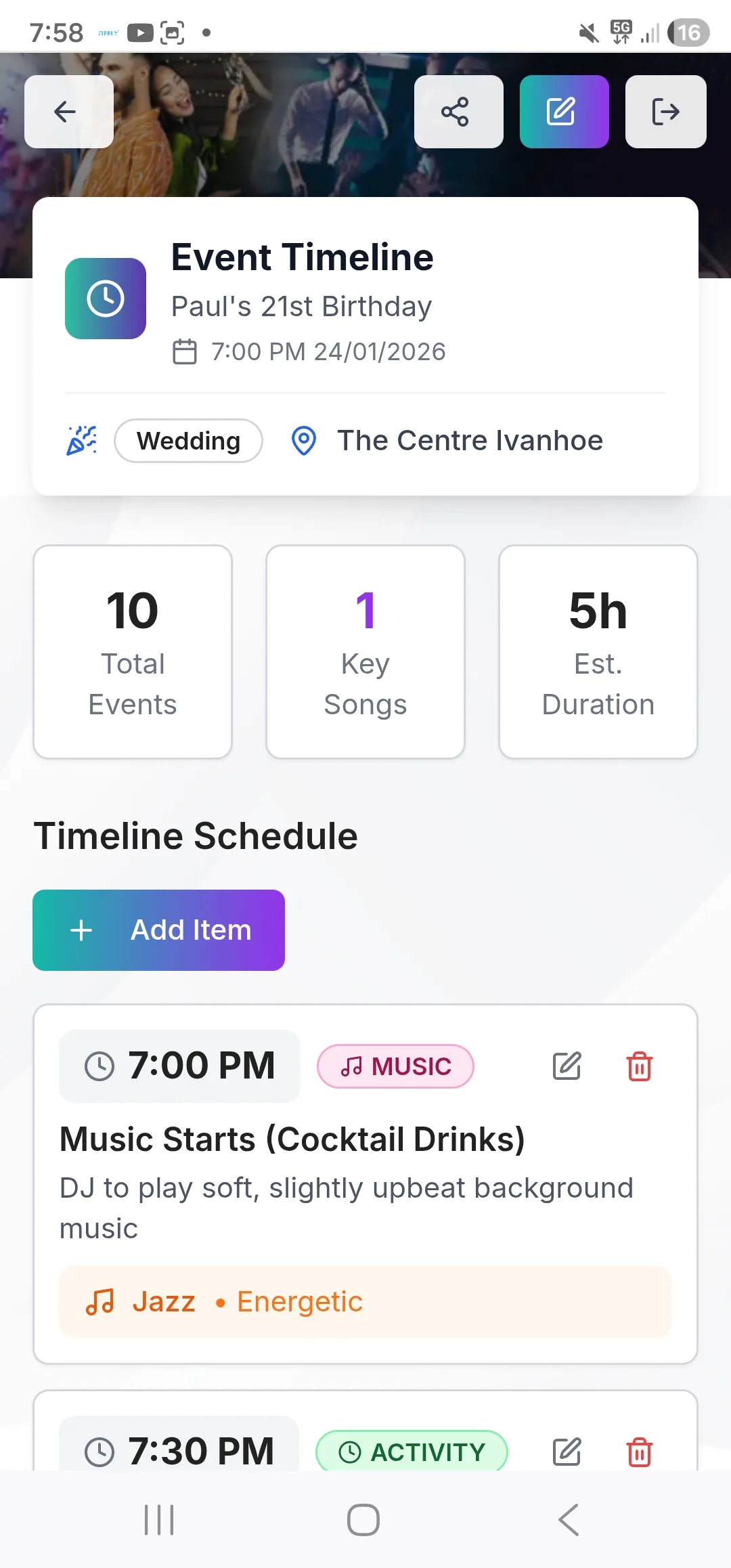
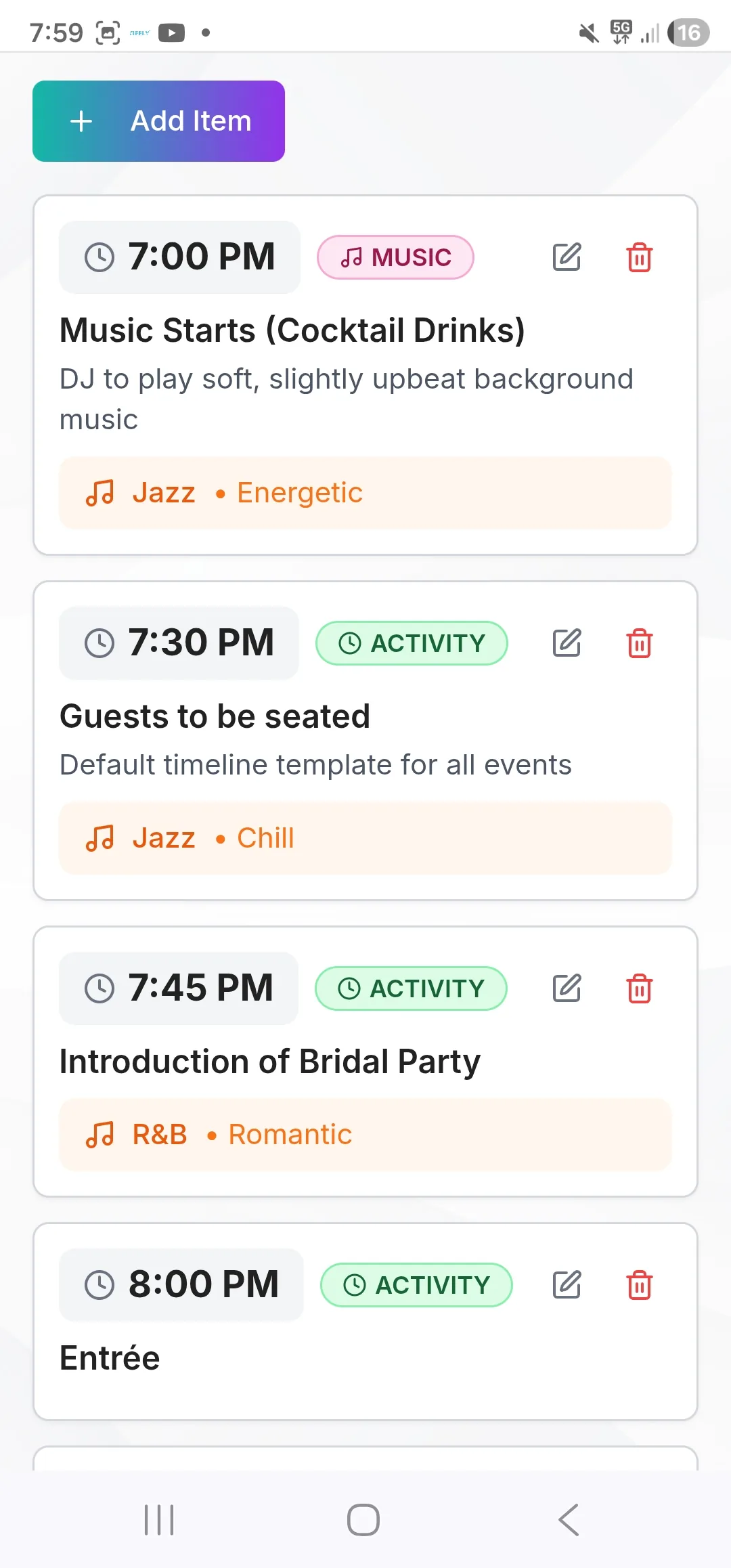
Timeline Item questions connect customer planning to the working event timeline. A submitted time can arrive with an activity, announcement, key song, group of songs, playlist, introduction order or speech details — ready for your team to review and use.
Customers Contribute
They answer the questions you choose, add times and event details, search for key songs, paste playlists, and provide introductions or speech information from any device.
You Curate
Review customer-supplied timeline items, lock in operational timings, tag and reorder tracks, and build one or more setlists from your dashboard.
Your Team Executes
Your DJ, second DJ, or assigned contractor sees the timeline, music cues, key songs, introductions, speeches, setlists and notes they need to run the event.
The Event Plan is the single source of truth for your event. It's printable, shareable, and always up to date — so your whole team is on the same page.
Everything You Need to Plan the Music
Flexible forms, timeline planning and setlist tools work together without forcing every event into the same questionnaire.
Playlist Maker
Paste a link, get a full tagged set list
→ Connected to the event workflow
Timeline Item Questions
Collect times, activities, key songs, playlists, introductions and speeches directly into the event timeline
→ Connected to the event workflow
Music & Event Forms
Use ready-made questions or build a customer planning flow around your own process
→ Connected to the event workflow
Custom Forms
Drag-and-drop builder with conditional logic
→ Connected to the event workflow
Genre & Mood Selector
Let customers pick their vibe with colourful tiles
→ Connected to the event workflow
Invite Guests to Contribute
Share a link or QR code with your client — their friends and family can submit song wishes, dedications, and event ideas weeks before the night. No account needed.
→ Connected to the event workflow
Live Song Requests
On the night, guests scan a QR code and request songs in real time. The DJ sees a live feed and marks songs played — right from their phone.
→ Connected to the event workflow
Setlist Export
Export curated setlists to DJ-library formats or create real playlists on your connected Spotify account
→ Connected to the event workflow
Paste a Link. Get a Full Curated Set List.
Customers paste a Spotify, YouTube, Apple Music, Deezer, or Tidal playlist link. You get the full song list with album artwork. Tag each track — Must Play, First Dance, Ceremony, Don't Play, and more. Drag to reorder. The curated list flows directly into your Event Plan, grouped by tag with artwork thumbnails, so your DJ always knows exactly what to play and when.
- Works with Spotify, YouTube, Apple Music, Deezer & Tidal
- 14 colour-coded tags
- Drag to reorder tracks instantly
- Grouped by tag in the Event Plan with artwork thumbnails
In the Event Plan: songs appear grouped by tag — Must Plays at the top, First Dance highlighted, Don't Plays clearly flagged — so your DJ or second DJ has the full picture before they walk in the door.
Perfect
Ed Sheeran
Can't Stop the Feeling
Justin Timberlake
Sweet Caroline
Neil Diamond
Blurred Lines
Robin Thicke
Canon in D · Pachelbel
Jazz & Acoustic Chill Mix
Can't Stop the Feeling
Perfect · Ed Sheeran
Don't Stop Believin'
Let Customer Answers Build the Working Timeline
Add a Timeline Item to any customer form and choose what that question should create or update. Collect a simple activity or announcement, a key song, several labelled key songs, a playlist link, an ordered introductions list, or speech details — together with the time and instructions your team needs. Responses are saved against the event timeline, where you can review and refine them before the event.
- Create a new timeline item or link a question to an existing one
- Collect activities, announcements and general event details
- Capture one key song, multiple labelled songs or a playlist link
- Collect ordered introductions, pronunciations and entrance songs
- Collect speakers, pronunciations and speech types
In the Event Plan: customer-supplied timings and details sit in the same operational timeline your team uses, instead of remaining as disconnected form answers.
Pre-Built Music Forms — Ready in Seconds
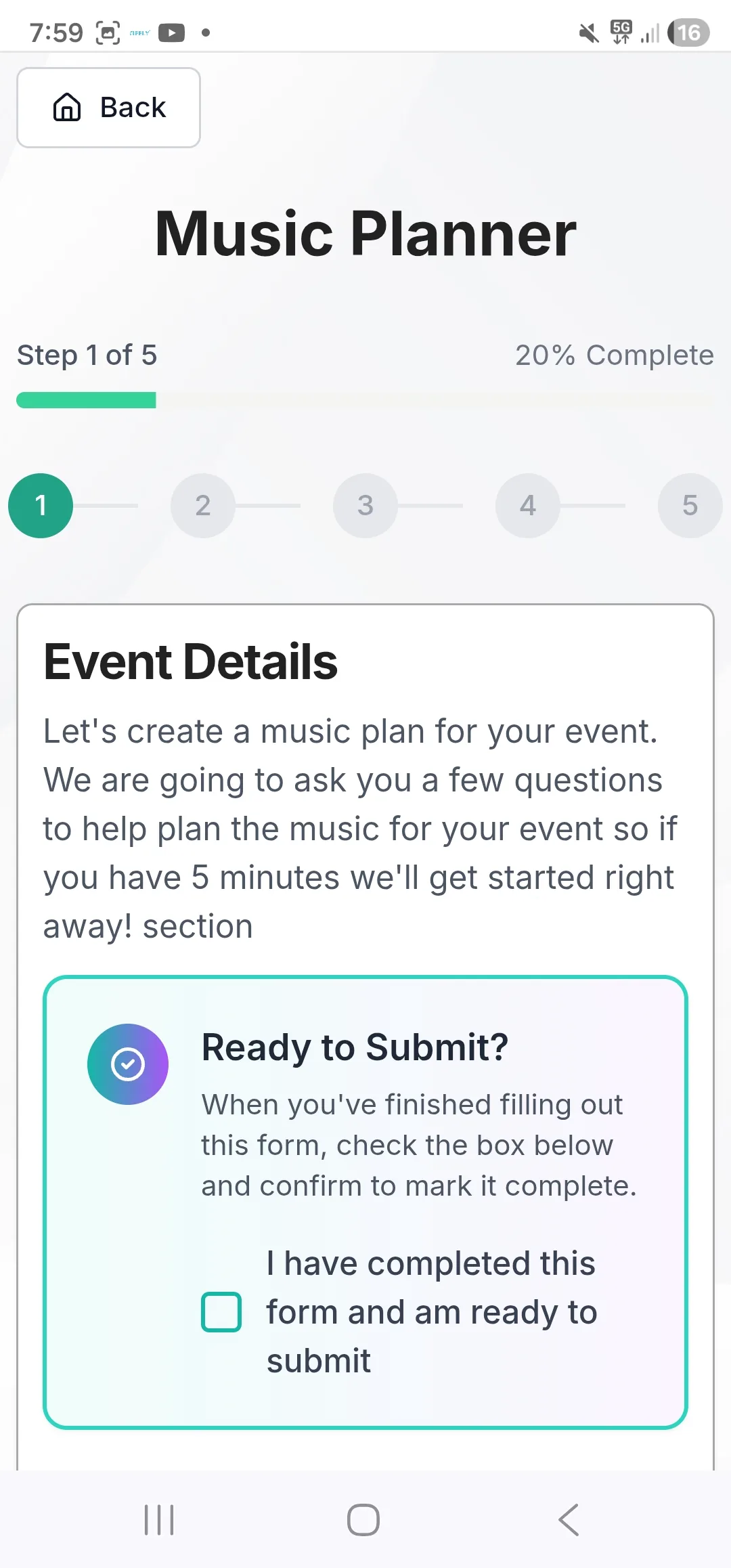
Start with ready-made DJ planning forms or adapt them to your process. Customers can provide music preferences and event details at their own pace, while Timeline Item questions place selected answers into the working timeline rather than leaving your team to copy them across.
- Wedding & event-specific questions built-in
- First dance, cake cut, ceremony music fields
- Do-not-play list included
- Timeline Item responses populate the event timeline
In the Event Plan: questionnaire answers appear as a structured music brief — essential details your DJ or hired contractor needs without having to call the client on the day.
First Dance Song
Perfect – Ed Sheeran
Last Dance Song
Don't Stop Believin' – Journey
Ceremony Music
Canon in D – Pachelbel
Cake Cutting Song
Sugar – Maroon 5
Do Not Play
Anything by Nickelback 😄
Special Requests
Old school RnB during dinner
Bride & Groom Names
Short text
Event Type
Dropdown
Special Moments to Announce
Long text
How important is dancing?
Rating
Upload Inspiration Playlist
File upload
Build Any Form With Drag-and-Drop
Need something specific to your workflow? Build it. The drag-and-drop form builder supports text, dropdowns, dates, checkboxes, ratings, file uploads, and more. Add conditional logic so the right questions appear at the right time. Every answer submitted is saved to the event and available in the Event Plan — giving your team complete context.
- 15+ field types including file uploads
- Conditional logic — show fields only when relevant
- Multi-step forms for a guided experience
- Responses saved to the event profile
In the Event Plan: custom form responses are stored against the event so any DJ or contractor you assign has access to every detail the client provided — no briefing meeting required.
Let Customers Pick Their Vibe
Instead of asking "what music do you want?" let customers click their vibe. The Genre & Mood Selector presents colourful tiles — High Energy, Romantic, Old School, Latin, Hip Hop, and more. Their selections are saved to the event profile and displayed in the Event Plan, so your DJ knows the atmosphere to aim for before the first song plays.
- Visual, tap-friendly interface — great on mobile
- Multi-select genres to mix vibes
- Saved to the event profile immediately
- Displayed clearly in the Event Plan
In the Event Plan: genre preferences are listed clearly — no more wondering if this crowd wants deep house or classic hits.
High Energy
Romantic
Old School
Latin Vibes
Hip Hop / R&B
House / EDM
2 vibes selected
Deep House
1:02:14
Old School R&B
58:32
Wedding Classics
1:14:08
Let Customers Hear Their Vibe Before They Choose
The SoundCloud Genre Listener embeds genre preview playlists directly inside your customer questionnaire. Customers click a genre, hear what it actually sounds like, and confirm their choice. When they're done, their preferences are saved to the event and reflected in the Event Plan — so your DJ arrives knowing exactly what the crowd signed up for.
- Embedded directly inside your forms
- Real genre preview audio via SoundCloud
- No guessing games about musical taste
- Confirmed preferences appear in the Event Plan
In the Event Plan: confirmed genre choices from the SoundCloud selector sit alongside the curated playlist and timeline — one complete music brief, no ambiguity.
Every Music Tool,
Right in Their Pocket
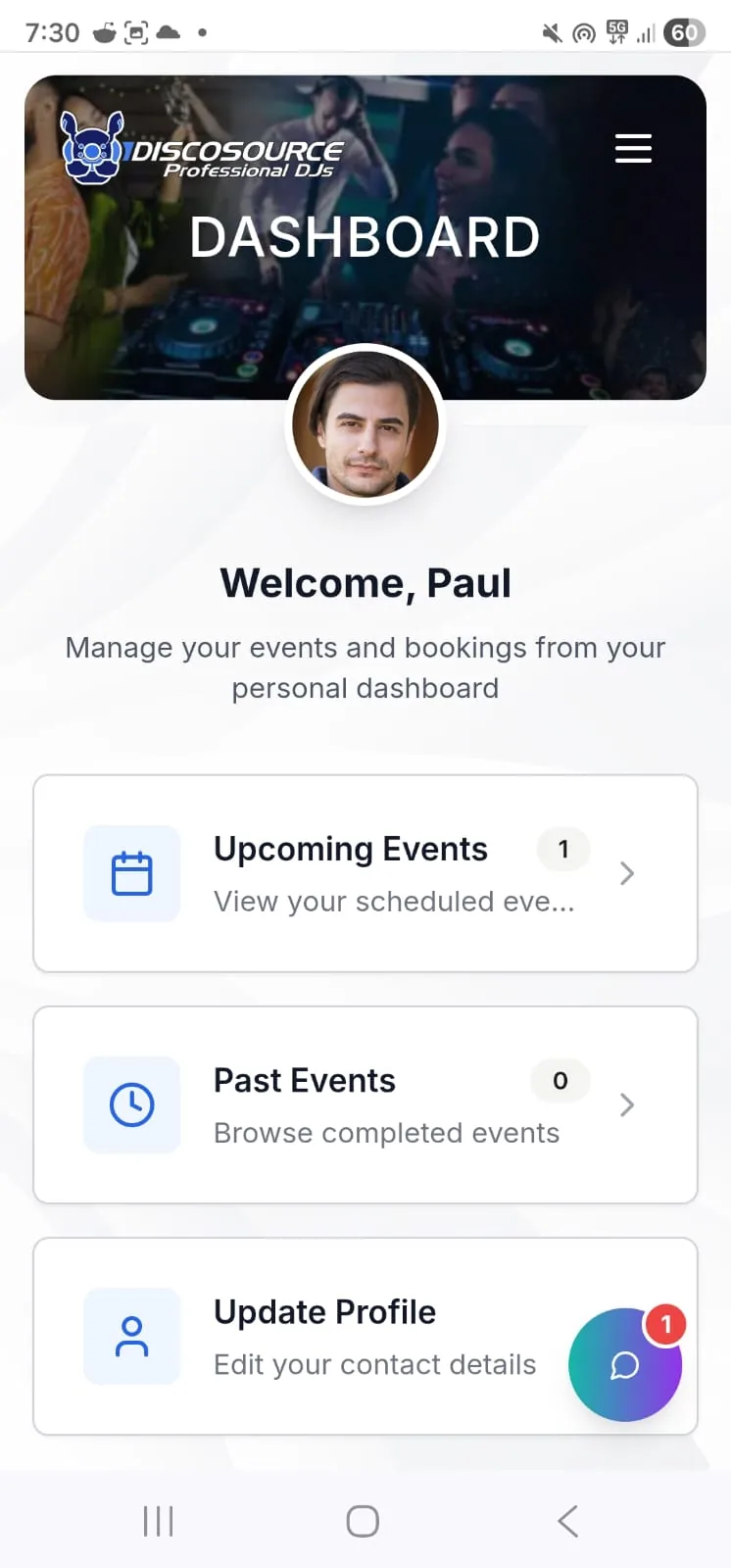
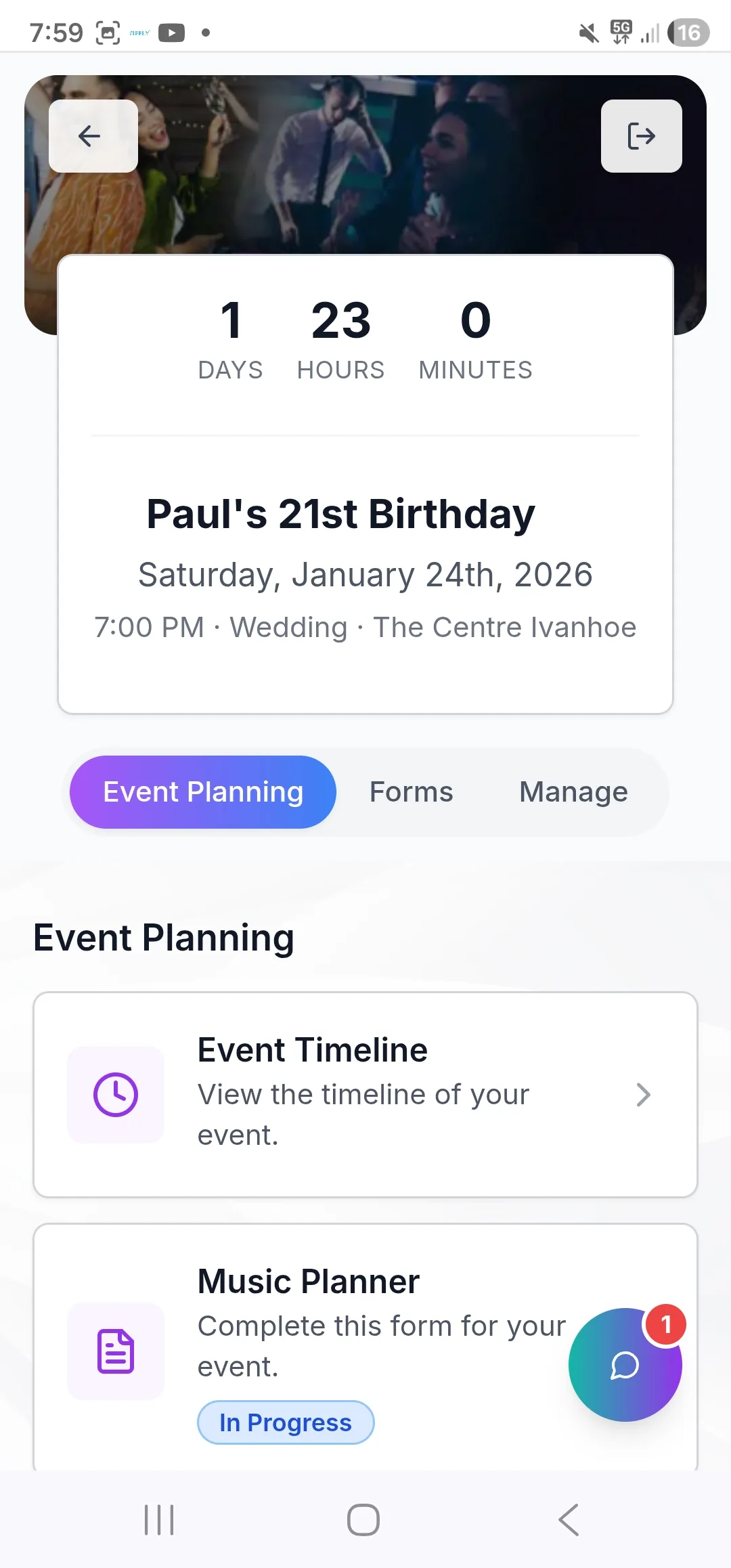
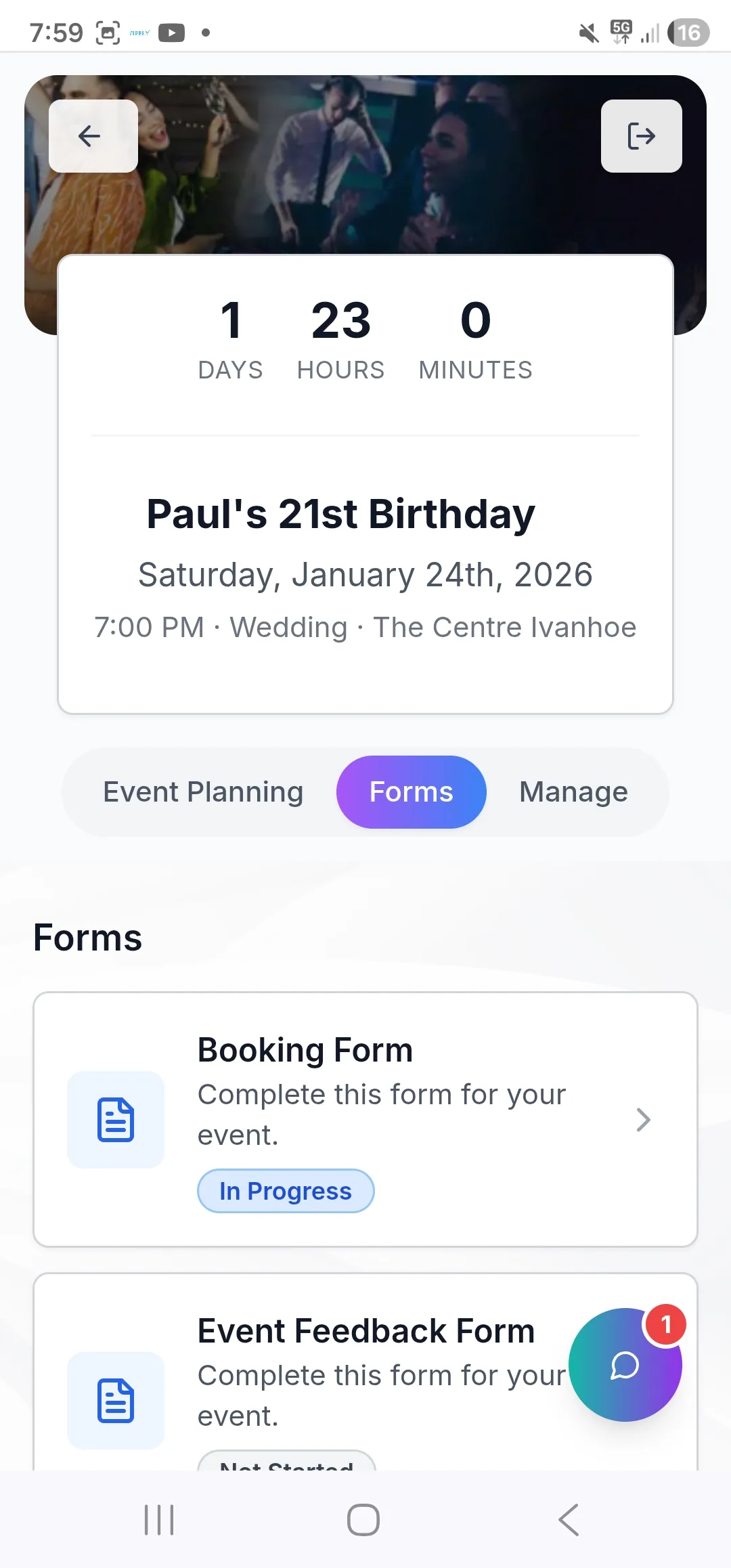
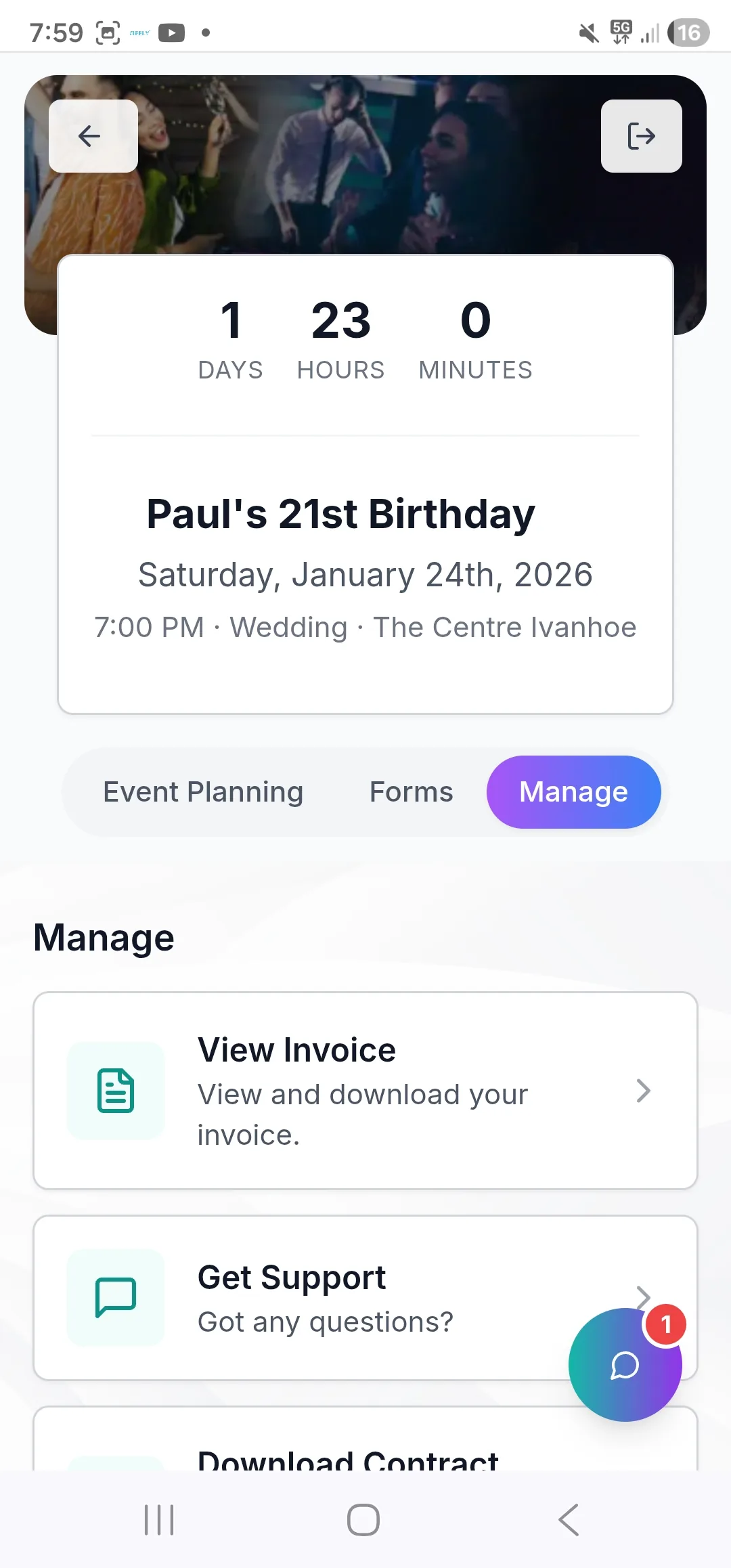
Customers can answer planning forms, add timeline details, choose key songs and paste playlists from their phone without downloading an app. DJs and contractors can open the Event Plan and work with setlists from their own device.
Your logo and brand colors
Clients see your business identity every time they open the app
Instant access to event details
Contracts, payments, playlists, and event info all in one place
Paste playlist links on the go
Customers can share a Spotify or YouTube link directly from their music app
No app store needed
Installs directly to their home screen — iOS and Android
No app store needed. No extra cost. Just your brand, in your client's pocket.
Let the Whole Group Help Plan the Music
Don't limit the music planning to just the main client. Invite guests — the bride's family, the groom's friends, the wedding party, or VIP guests — to contribute their own song requests, playlists, and event preferences. Every submission flows into the same Event Plan, giving your DJ the full picture of what the whole group wants.
- Send personalised invite links
Each guest gets their own link to submit requests and preferences
- Guests paste their own playlists
From Spotify, YouTube, Apple Music, Deezer, or Tidal — same as the main client
- All responses feed into your Event Plan
Nothing slips through — every request is captured and visible to your DJ
- Works on any device
Guests open a link on their phone — no login, no app download required
In the Event Plan: guest submissions are collected alongside the main client's choices — song requests, playlist links, and preferences — so your DJ has a complete picture of what the whole group is expecting on the night.
Sarah (Maid of Honour)
8 songs submitted
James (Best Man)
5 songs submitted
Mum & Dad
3 songs submitted
Work Friends Group
Invite sent
From Curated Setlist to DJ Software or Spotify
For local DJ libraries, match tracks and export the curated setlist in supported library formats. For streaming preparation, a DJ or contractor can connect their own Spotify account and create a real Spotify playlist from the setlist they are viewing. Export one setlist, select several setlists and combine them into one playlist, or create a separate Spotify playlist for each selected setlist.
- Connect the Spotify account that should own the new playlists
- Export the current setlist or select multiple event setlists
- Combine selected setlists into one playlist or keep them separate
- Review or change the playlist name or naming prefix
- Use the event image where available or choose a custom cover; cover updates are non-blocking
- See matched totals and the tracks Spotify could not match after export
- Continue to export local-library formats including Serato, Rekordbox, VirtualDJ, Traktor, Engine DJ and M3U
Spotify searches for each track and reports what matched. A playlist can still be created when some tracks are unmatched, and a cover-image failure does not undo a successful playlist export.
Perfect
Ed Sheeran · 95 BPM
Can't Stop the Feeling
Justin Timberlake · 113 BPM
Sweet Caroline
Neil Diamond
September
Earth, Wind & Fire · 126 BPM
Export options:
Built for the Way DJs Actually Work
No More Last-Minute Calls
Your DJ has everything they need in the Event Plan — playlist, timeline, must-plays, genre choices. No chasing the client on the morning of the event.
Effortless Contractor Briefs
Assign a second DJ or contractor and they instantly access the full Event Plan. Essential details, no briefing meetings, no forwarding email chains.
Works on Any Device
Customers fill in forms on their phone. You manage everything from yours. Your team opens the Event Plan anywhere, any time.